OpenCode with OIDC: SSO for my homelab
I run an OpenCode server in my homelab, and one thing kept bugging me: I couldn’t integrate it with my Keycloak instance.
So I forked OpenCode and added OpenID Connect (OIDC) sign-in. I also opened an issue upstream to share the work and see if there’s a path to getting this into an OpenCode release someday.
Connecting from the TUI
To connect the terminal UI, run opencode attach SSO_URL with the URL of your
OpenCode server:

Open the browser sign-in flow and grant access:
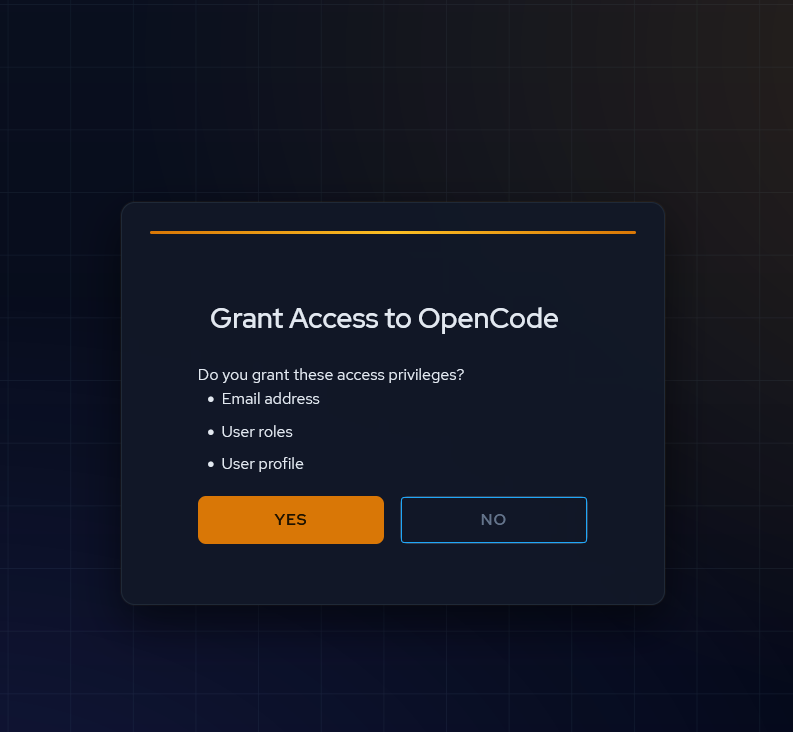
Once you’ve signed in, you’re back in the TUI and ready to use OpenCode:
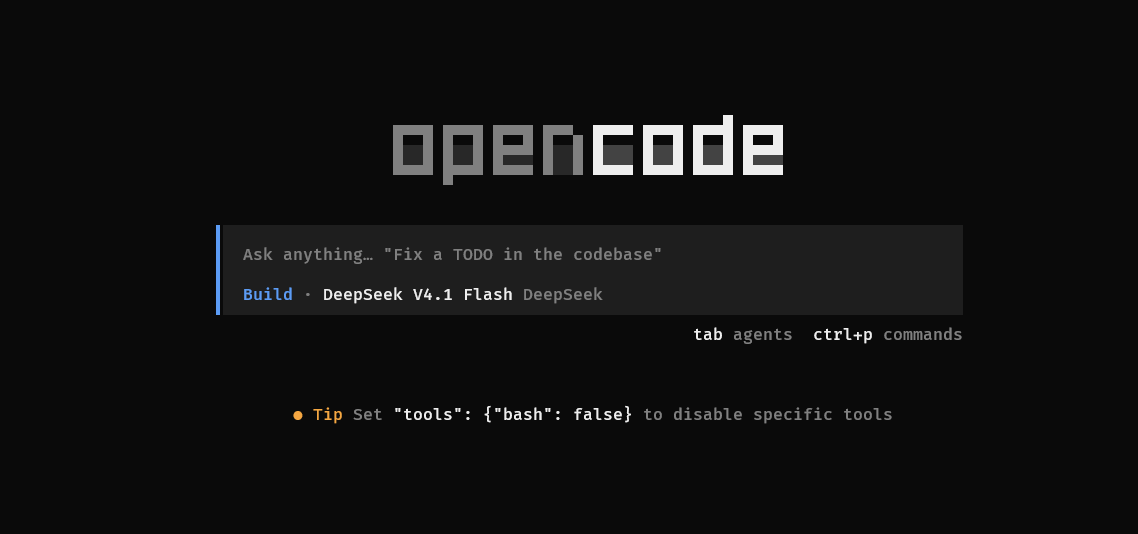
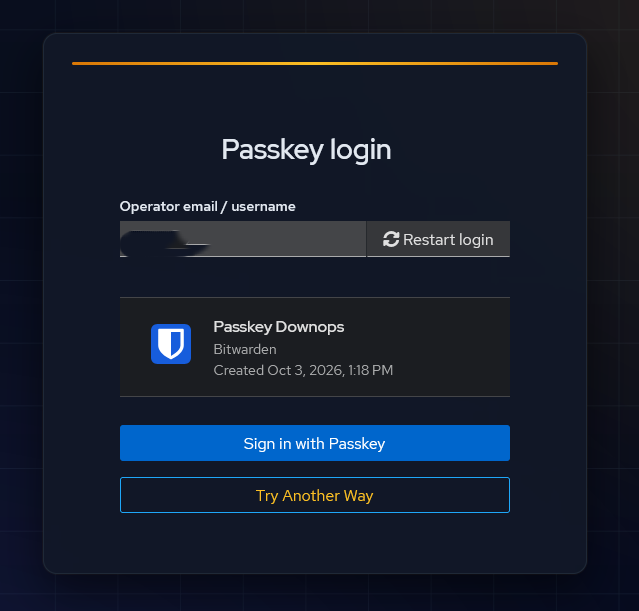
Signing in from the browser
The browser flow uses the same SSO. In my setup, Keycloak also lets me use a Bitwarden passkey:
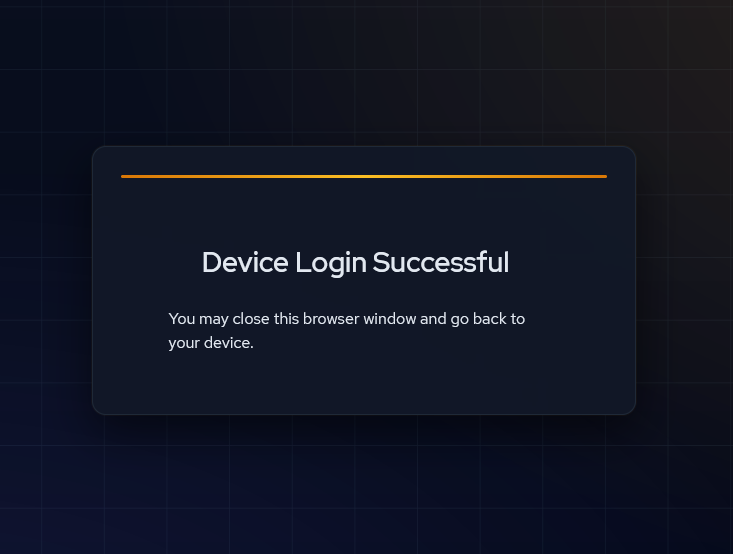
After sign-in, the browser confirms the login:
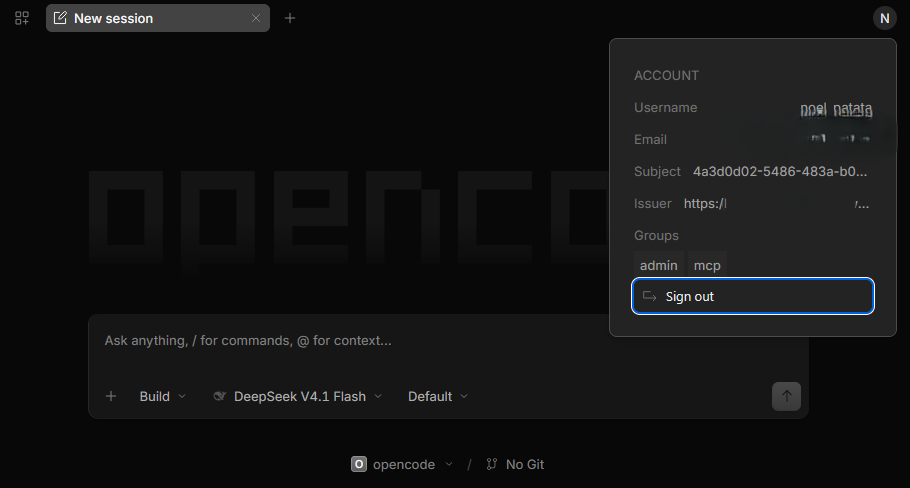
And here’s OpenCode with the signed-in account:
Why this matters
That’s it: people can use the AI your organization provides, while your organization can manage access and see who is using it. For me, this isn’t just a demo — it’s running in my homelab and protecting my real server:
TUI / Web → SSO → OpenCode Server
If you self-host OpenCode, run a team, or want SSO through an identity provider like Google, Entra, Okta, or Keycloak, go leave a 👍 or a comment on the upstream issue. Support would help make the case for bringing this to OpenCode itself.
Would you switch to a CLI AI integrated with your own SSO if this landed in an OpenCode release tomorrow?
#OpenCode #OpenSource #Keycloak #SSO #DevTools #AIAgents
#SelfHosted #PlatformEngineering